
Why Assignment Notes Help Officials Arrive Prepared for Unusual Game Conditions
When a game has a delayed ice cut, a shared rink entrance, a modified warmup, or a crew-role change, the fastest way to reduce confusion is to keep the assignment notes attached to the game. Clear venue context, division notes, special instructions, and weather or ice delay updates help officials show up ready instead of guessing at the rink.
Unusual game conditions need more than a start time
A schedule entry tells officials where to be and when the puck, whistle, or kickoff is supposed to happen. It does not always tell them what makes that game unusual. In real league operations, that extra context is often the difference between a smooth arrival and a last-minute scramble at the rink or field.
Assignment notes are useful because they keep important details attached to the game itself. When an official opens the assignment in a referee scheduling app, they should be able to see the venue context, the division, any special instructions, and whether the crew should expect a delay, a shared entrance, a different check-in routine, or a modified warmup. That is the kind of information that helps officials plan, not just react.
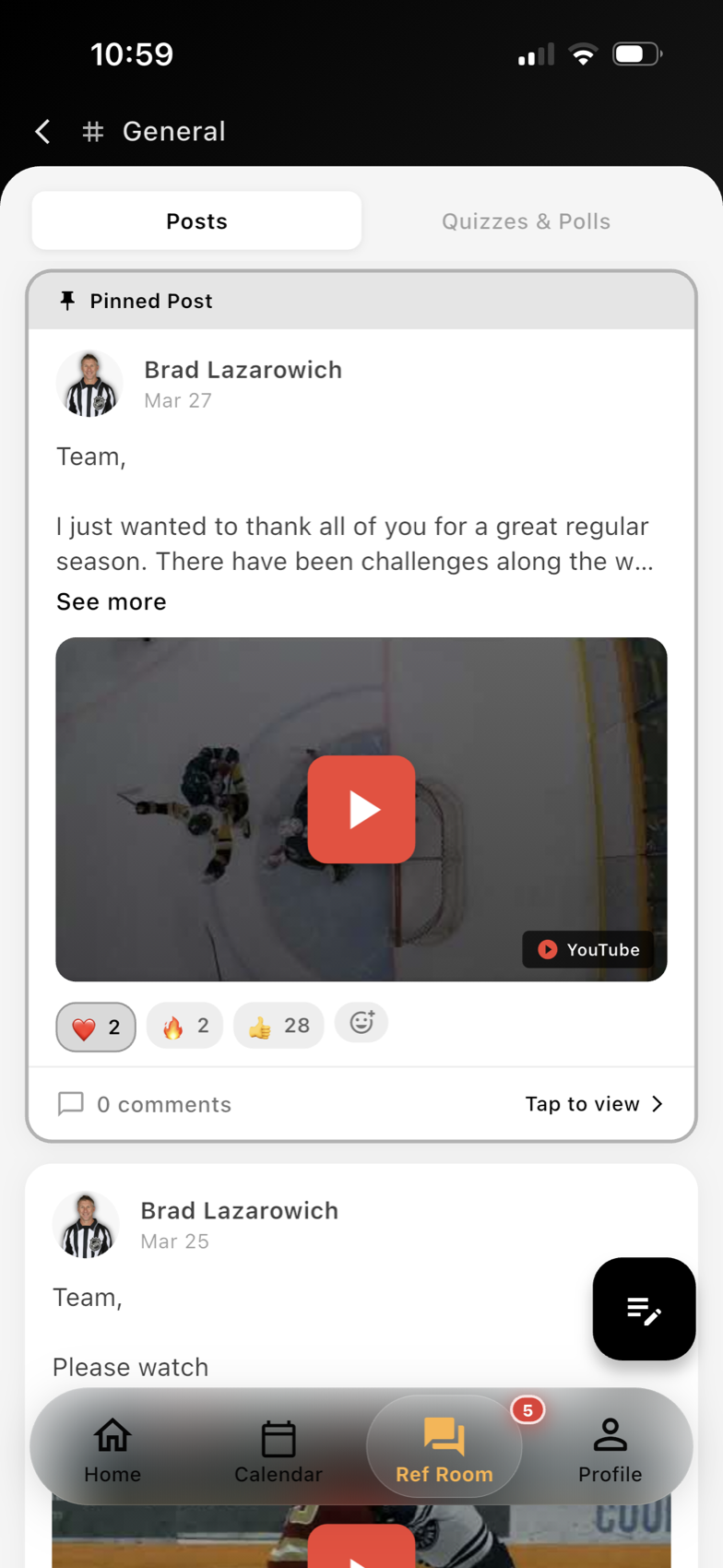
For assignors and coordinators, this is also a practical way to reduce repeat messages. Instead of sending a separate text, email, and follow-up call, the assignment can carry the information the crew needs in one place inside Ref Room communication.
What to include in assignment notes
Good notes do not need to be long. They need to be specific. The most useful assignment note usually answers the questions an official would ask after looking at the game on a mobile app.
Start with venue context. If the rink has a different entrance for officials, limited parking, a construction detour, or a dressing room that is not next to the usual entrance, note it in the assignment. If a field uses a temporary layout, a shared scoreboard, or a facility gate that closes early, that belongs in the game record too.
Next, add division notes. Some divisions play with different timing expectations, different bench procedures, or different communication needs from the teams and staff. Newer officials especially benefit from knowing whether a game is likely to move quickly, require closer game management, or involve a particular reporting routine afterward.
Special instructions should be just as clear. If the crew has a lead official, a second official, or a three-person system for a specific game, assign roles directly in the note. If one official needs to arrive early for check-in, if a supervisor will be present, or if the game has a shared dressing area, make that obvious.
A few short examples are often enough:
- “Enter through west door; officials’ room is downstairs.”
- “Division expects a short pregame; keep warmup on schedule.”
- “Delayed start possible if ice cut runs long.”
- “Lead official handles pregame check-in; partner monitors bench behavior.”
That kind of note is easy to scan and hard to miss.
Weather, ice, and delay updates should stay tied to the assignment
Late weather changes and ice delays are common sources of confusion because they can affect more than the start time. They can change arrival timing, parking, check-in procedures, warmup length, and whether the whole crew should stay in contact before heading to the venue.
When those updates live outside the assignment, officials have to piece together the latest version from messages, screenshots, or forwarded notes. When they stay attached to the game, the crew sees the same current information in one place.
This matters even more for leagues that run multiple rinks, multiple fields, or several divisions in a tight window. A weather delay at one site may not affect another site the same way. A rink delay may push one crew back while another game starts on time. If the notes are built into the assignment, the communication stays localized to the game that changed.
For assignors, this also helps with accountability. You can look back and see what was communicated, when it was updated, and which officials had the revised note before arrival. That is useful for internal review and for reducing avoidable confusion later.
Use crew roles and update history to keep everyone aligned
Assignment notes work best when they do more than describe the venue. They should also tell each official what role they are expected to fill and what the crew should do if conditions change.
If an unusual game condition requires a different pregame approach, note who leads the crew discussion. If the game may start late, say whether officials should wait on site, check in with the rink, or remain available for a text update. If an official is covering a specific reporting responsibility, make that clear before they leave home.
This is especially helpful for developing officials. Clear notes reduce uncertainty and help newer referees learn how different venues and divisions operate. They also make it easier for assignors to pair experienced and developing officials without leaving the newer official to guess what the night will look like.
Leagues that want to keep this workflow tidy can build notes directly into Assignments and Scheduling and use the Assignor Dashboard to review which games need extra context before they are published.
The main point is simple: if a game has unusual conditions, the assignment should say so. When officials can see venue context, division notes, special instructions, weather or ice delays, and crew roles in one place, they arrive prepared and spend less time troubleshooting on site.
Want cleaner referee operations?
Ref Buddy connects schedules, officials, crew communication, expenses, and reports so leagues can spend less time chasing details.
Schedule a Demo