
Season Rollover Planning: How Assignors Can Reset Referee Schedules Without Missing a Step
Season rollover is where a referee assignment system either starts clean or starts confused. A practical reset helps assignors handle new divisions, returning officials, archived games, settings review, and schedule readiness before the first assignments go out.
Why season rollover deserves its own workflow
Season rollover is not just a calendar change. For assignors, it is the point where last year’s structure, current rosters, and this year’s game plan all have to line up before the schedule starts moving.
If a league uses referee assignment software, rollover is the best time to check whether the system still reflects the real world. New divisions may have been added, some officials may have moved up or taken a break, and archived games may still contain useful history that should stay readable but out of the way. A clean rollover process keeps those changes organized instead of letting old settings quietly shape new assignments.
This matters across youth sports leagues, adult recreational leagues, minor hockey associations, and multi-sport organizations. The season may be different, but the operational risk is the same: if the setup is rushed, assignors spend the next few weeks fixing preventable problems.
What to review before opening the new schedule
A good rollover starts with structure, not assignments. Before games begin filling up, assignors should review the core settings that control how the season behaves.
That usually includes:
- New divisions or age groups
- Updated locations, rink names, fields, or venues
- Returning officials and any status changes
- Pay rules or mileage categories tied to the season setup
- Crew formats, role labels, and coverage requirements
- Availability windows that may have changed since the prior season
It also helps to separate archived games from active ones. Old assignments, reports, and expense records should remain available for reference, but they should not clutter the current season view. That keeps the assignor dashboard easier to read and reduces the chance of sending the wrong officials into the wrong workflow.
If your team uses Assignments and Scheduling, this is the moment to confirm the season structure before bulk assigning starts. A few extra minutes here can prevent a long cleanup later.
How returning officials and new divisions affect assignment readiness
Season rollover often changes the mix of officials available to work. Some return to the same level. Some move into new divisions. Some become less available because of school, travel, work, or family schedules. Others are brand new and need a clearer onboarding path.
That means assignors should think about two questions at once:
- Who is eligible to work this season?
- Which games are the right fit for each group?
For returning officials, historical assignment patterns can help reveal where they worked most often and which divisions they handled well. For new officials, the schedule should make room for development without overloading them too early. If a league tracks official availability carefully, the rollover period is the right time to refresh those records and avoid treating last season’s status as current by default.
This is also where communication matters. Officials should know whether they need to update their availability, confirm new certifications or qualifications where applicable, and review any role changes before assignments begin to land in their inbox or mobile app.
Using archived games and settings to make the new season easier
Archived games are more than old records. They can help assignors build a cleaner new season if they are used correctly.
Past games can show:
- Which venues routinely run late
- Which crews worked well together
- Which divisions create the most coverage pressure
- Which officials handled higher-volume nights
- Which expenses or report workflows needed extra follow-up
That context is useful, but only if it stays attached to the right season. A strong referee scheduling app should make it easy to reference prior seasons without mixing them into current operations.
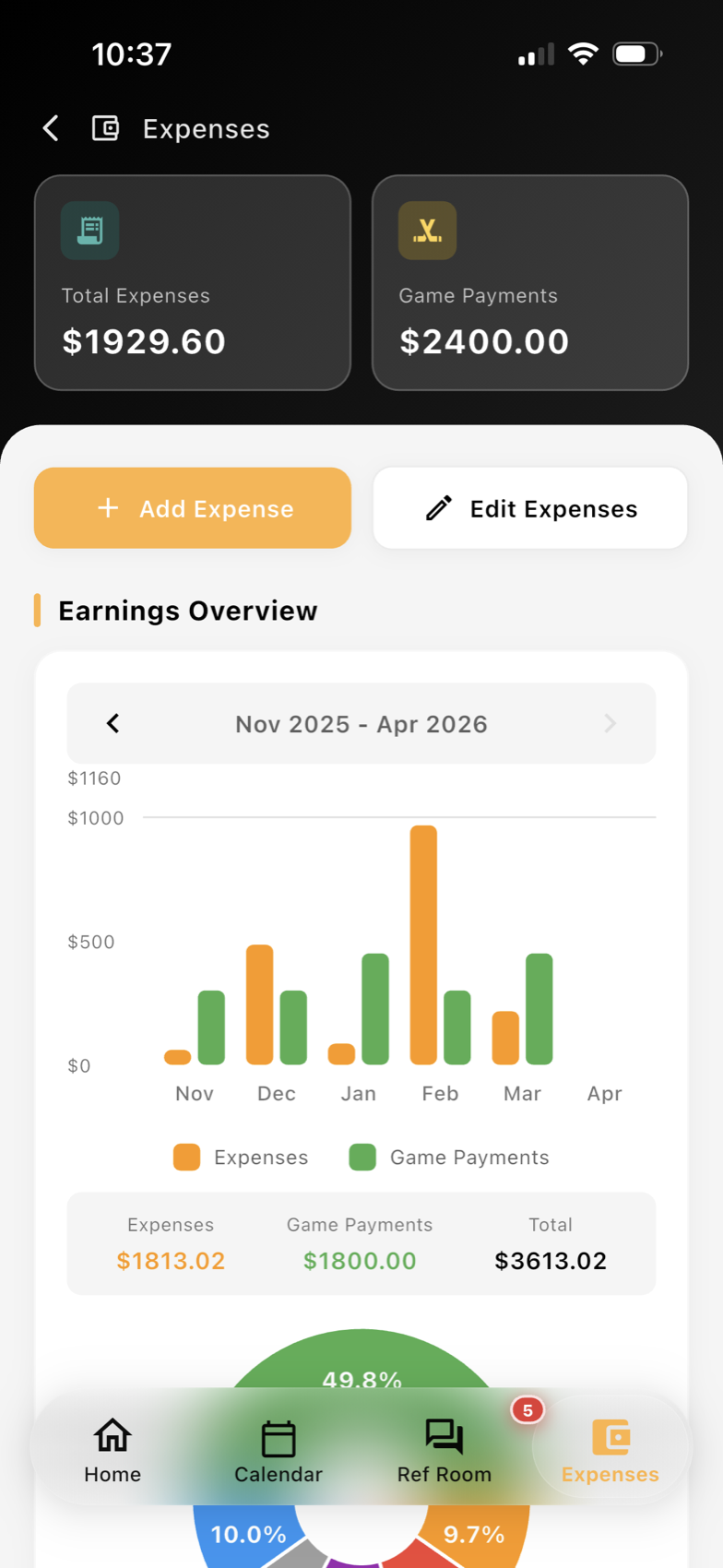
The same is true for reporting and expenses. If game report workflows and referee expense tracking stay linked to the season they belong to, admin review becomes much simpler. Assignors and league staff can look back without losing track of what still needs action now.
A practical rollover checklist for assignors
Before the first wave of assignments goes out, a simple checklist can keep the season on track:
- Confirm new divisions and active game types
- Update venue and location data
- Review returning officials and new official records
- Clear out outdated availability assumptions
- Check crew roles, pay settings, and reporting paths
- Archive finished seasons without losing historical access
- Test the schedule view for readiness before publishing
For many organizations, the easiest way to do this is inside one centralized league workflow instead of scattered spreadsheets and message threads. A single place for setup, communications, and follow-up makes the transition from one season to the next easier to manage. If you want a broader view of how these pieces connect, see Ref Buddy’s league operations tools.
Season rollover is not glamorous work, but it sets the tone for everything that follows. When assignors take the time to review structure, verify returning officials, keep archived games organized, and prepare the schedule carefully, the season starts with fewer surprises and a lot less cleanup later.
Want cleaner referee operations?
Ref Buddy connects schedules, officials, crew communication, expenses, and reports so leagues can spend less time chasing details.
Schedule a Demo