
How Assignment Dashboards Help Fill the Hardest Games First
When a schedule includes open slots, the fastest way to reduce risk is to surface the games that still need a full crew. Assignment dashboards help assignors sort by urgency, crew requirements, and replacement needs so the most fragile games get attention first.
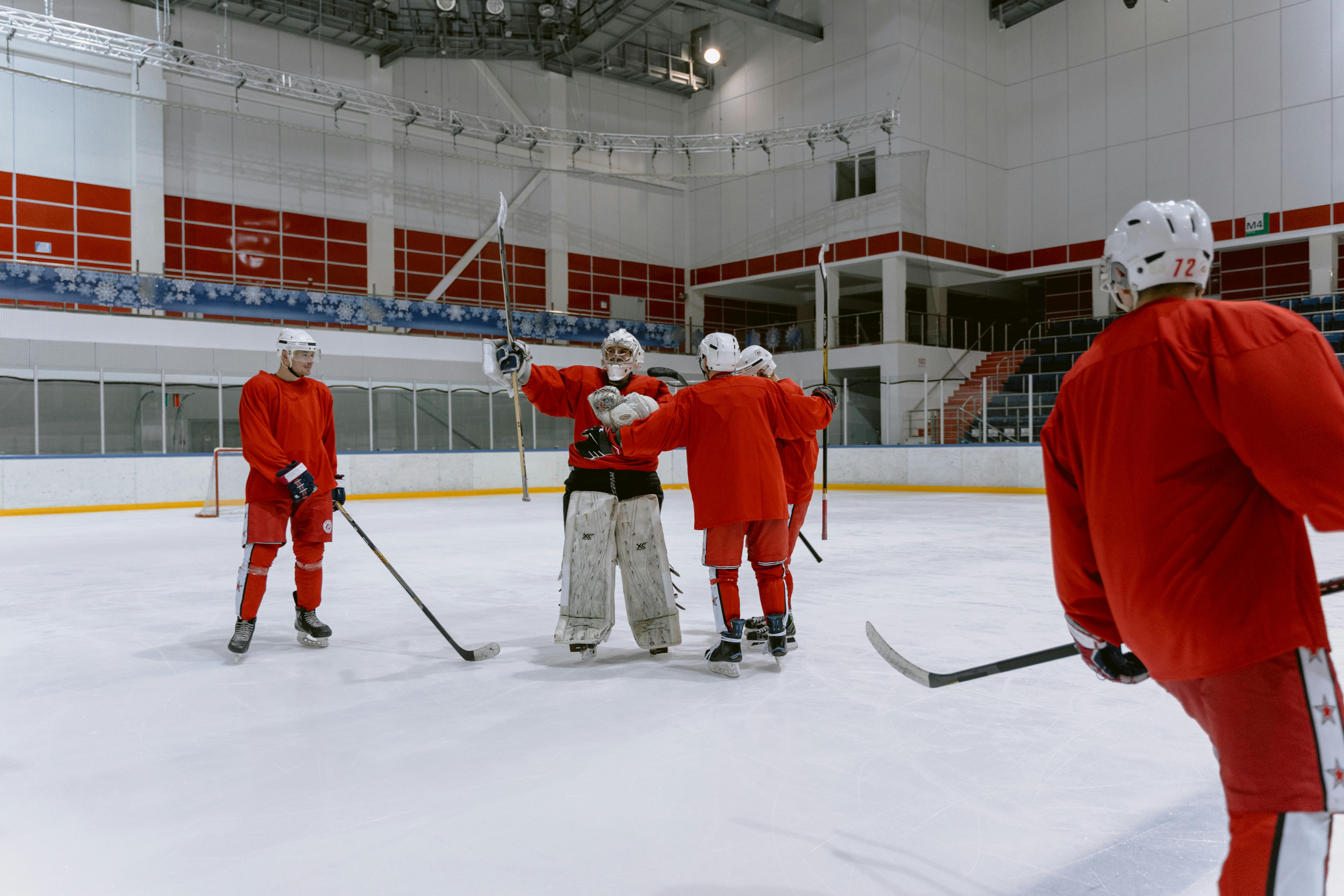
Why open crew slots deserve first attention
In a busy league, not every unfilled assignment creates the same amount of risk. A game missing one official may still be manageable. A game missing a full crew, or a game with a tight start time and no backup nearby, can turn into a scramble quickly.
That is where assignment dashboards add real operational value. Instead of scanning a long list of games in date order, assignors can immediately see which assignments are still incomplete, which roles are missing, and which events need the fastest response. For leagues managing youth games, adult recreation, hockey, or multi-sport schedules, that kind of visibility helps crews get covered before the problem grows.
A dashboard is not just a calendar view. Used well, it becomes a priority list for officiating work.
What to surface when a game is still uncovered
To prioritize open games effectively, assignors need more than a blank slot. The most useful dashboard view usually shows the details that affect urgency and replacement effort:
- Unfilled roles: which positions are still open for the game
- Crew requirements: whether the event needs one official, multiple officials, or a specific crew structure
- Game timing: how soon the start time is approaching
- Location and travel considerations: whether a replacement would need to cover a long drive or a difficult venue
- Availability status: who has actually indicated they can work, and who has not responded
- Existing coverage gaps: whether one open role leaves the rest of the crew incomplete
When those details are visible together, assignors can separate routine follow-up from true urgency. A game with one open spot next week is a different task than a game with two missing officials in a few hours.
This is also where league referee management gets easier. Instead of relying on memory, email chains, or a spreadsheet with too many columns, the dashboard becomes a shared operational picture of what still needs attention.
A practical way to sort by urgency
Urgency sorting does not need to be complicated. The point is to help assignors work the queue in the right order.
A simple approach is to prioritize in this order:
- Games that are fully uncovered
- Games missing the largest share of their required crew
- Games starting soonest
- Games with fewer replacement options based on availability
- Games with higher travel friction or special crew needs
That logic helps assignors focus on the assignments that are hardest to recover. It also helps staff avoid spending time on low-risk games while high-risk games remain open.
For leagues that operate across multiple rinks, age groups, or divisions, this sort of dashboard view can also reduce handoff confusion. One assignor may handle the full week, but different supervisors or coordinators can still see which games need immediate action.
If your workflow already uses Assignments and Scheduling, the most useful habit is to treat the dashboard as the control center for coverage problems, not just a place to review the schedule after it is built.
How reminders and replacement workflows keep the board moving
A dashboard works best when it connects directly to the next action. Once a game is identified as uncovered or partially covered, the workflow should make it easy to move from problem detection to resolution.
That usually means three things:
- Targeted reminders: send availability or confirmation requests to officials who are actually eligible for the game
- Replacement workflow: re-open the role, notify standby officials, or move to a backup list without rebuilding the assignment from scratch
- Status updates: mark when an official has responded, declined, or accepted so the next person in line is clear
This matters because open games often fail in the gaps between tools. If availability lives in one system, messaging in another, and the schedule in a third, assignors have to reconstruct the situation each time they look at it. A good dashboard reduces that friction.
For officials, clear workflow also means fewer repeated messages and fewer mixed signals. They can see what still needs coverage, what they have already been asked to do, and where they stand in the replacement queue.
Building a steadier assignor routine
The best assignment dashboards do more than display data. They help assignors build a repeatable routine for coverage.
A useful daily habit is to check the open-game list in this order: uncovered games first, full-crew gaps second, soonest start times third, then replacement options. That sequence keeps the highest-risk assignments from slipping through the cracks.
For leagues that want tighter operations, this approach also supports cleaner communication with officials and faster follow-up on missed coverage. It is easier to manage a busy schedule when the software highlights where attention is needed right now.
That is the real value of a strong referee assignment software workflow: not just storing games, but helping assignors see which ones still need a full officiating crew and what to do next.
Want cleaner referee operations?
Ref Buddy connects schedules, officials, crew communication, expenses, and reports so leagues can spend less time chasing details.
Schedule a Demo